

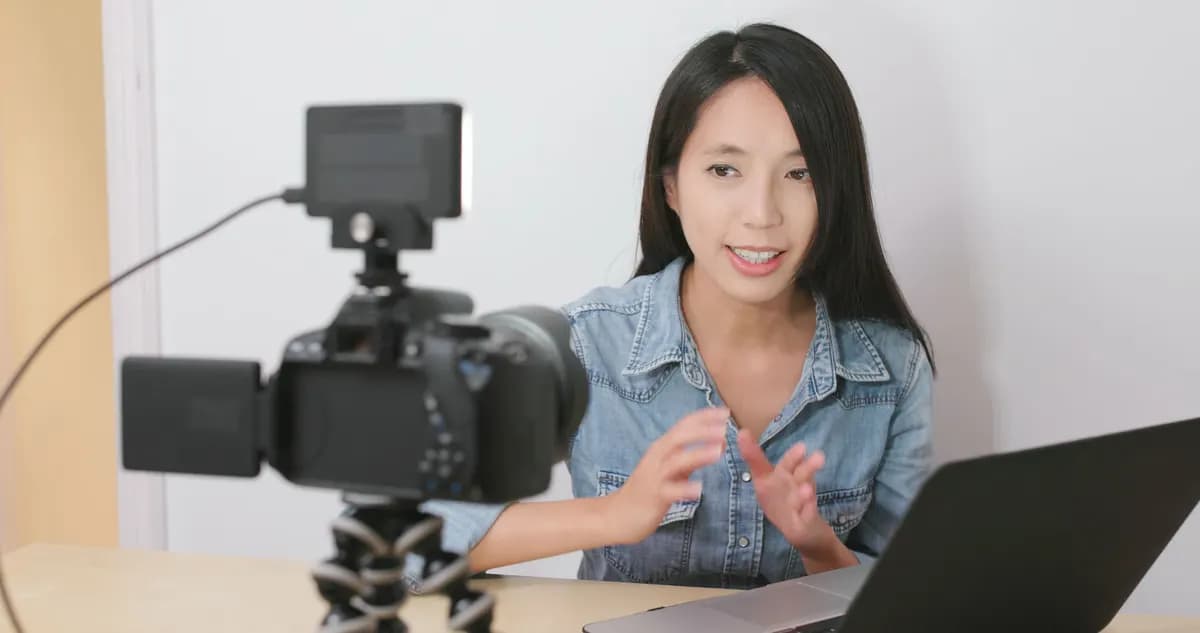
When you have prepared the course curriculum and have a script for each lesson, the next stage is production of the online course, which can be divided into recording and editing the material. You can create content yourself, or turn to professionals for help. In this article, you will learn what is required for creating course content on your own and what advantages you gain by working with a professional video production studio.
The process of creating lessons depends on your course format. Read more about creating an online course curriculum and its formats.
For DIY video course production, you will need three main tools: a room with a suitable background, filming equipment, and video editing software. Of course, you also need skills and relevant experience. If you are picking up a camera for the first time and plan to learn video editing on your own, you should have enough time and motivation for this labor-intensive process.
Required tools:
- A room;
- A camera;
- A camera tripod;
- A microphone for recording audio;
- Lighting equipment;
- Software: for screen recording, video editing, creating animation, and so on.
How to film and edit video lessons on your own — read in this article.
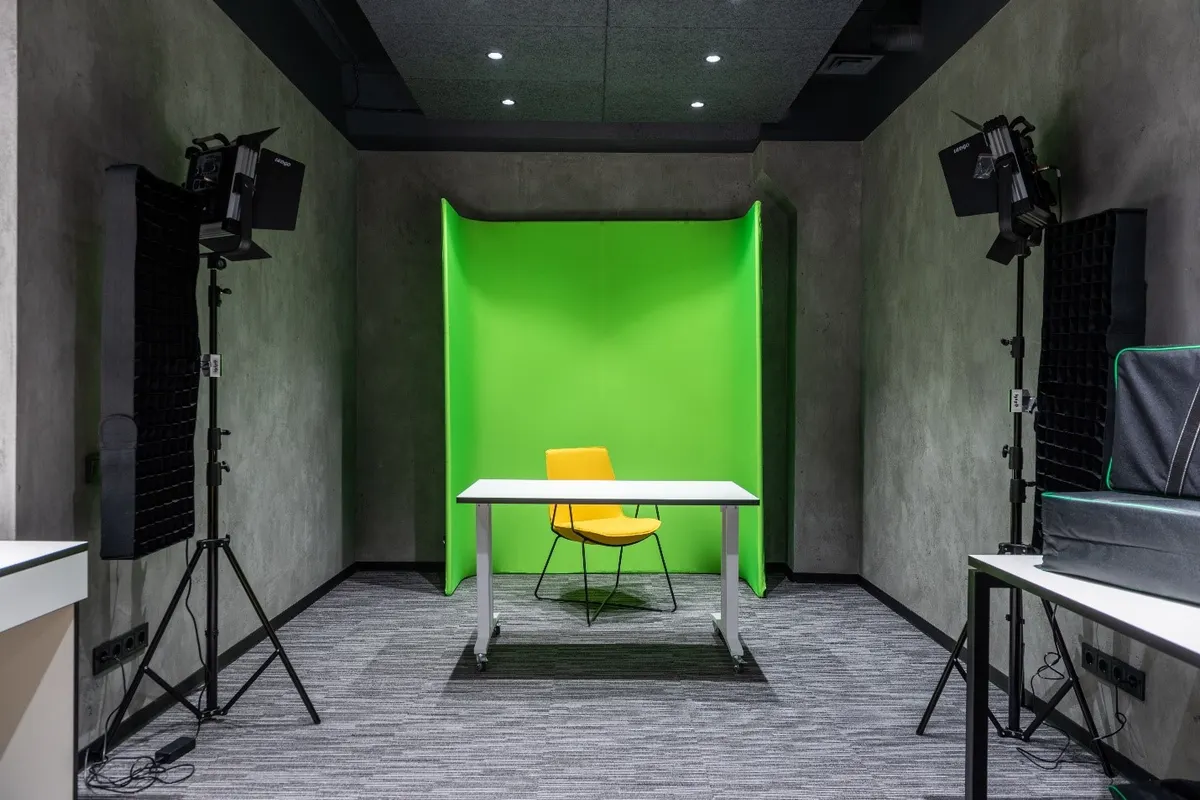
Room. Prepare the room where you will film video lessons. Depending on the specifics of your course, you may need to design the entire room or just a small area that will be in the frame.
Try to avoid rooms with echo, or try to dampen it. Fill the space with various objects, or cover or hang fabrics on the walls.
Background depends on the topic of your course. It can be:
- With a board: if you use a chalk/marker/paper board for teaching;
- At a workplace: in an office/treatment room/beauty salon/kitchen, etc.
- Against a neutral solid-color background, such as a wall;
- Chroma key: use contrasting fabric for recording a video lesson if you want to add a moving or other background in editing;
- In a café/outdoors/on a production site/in a coworking space, etc.
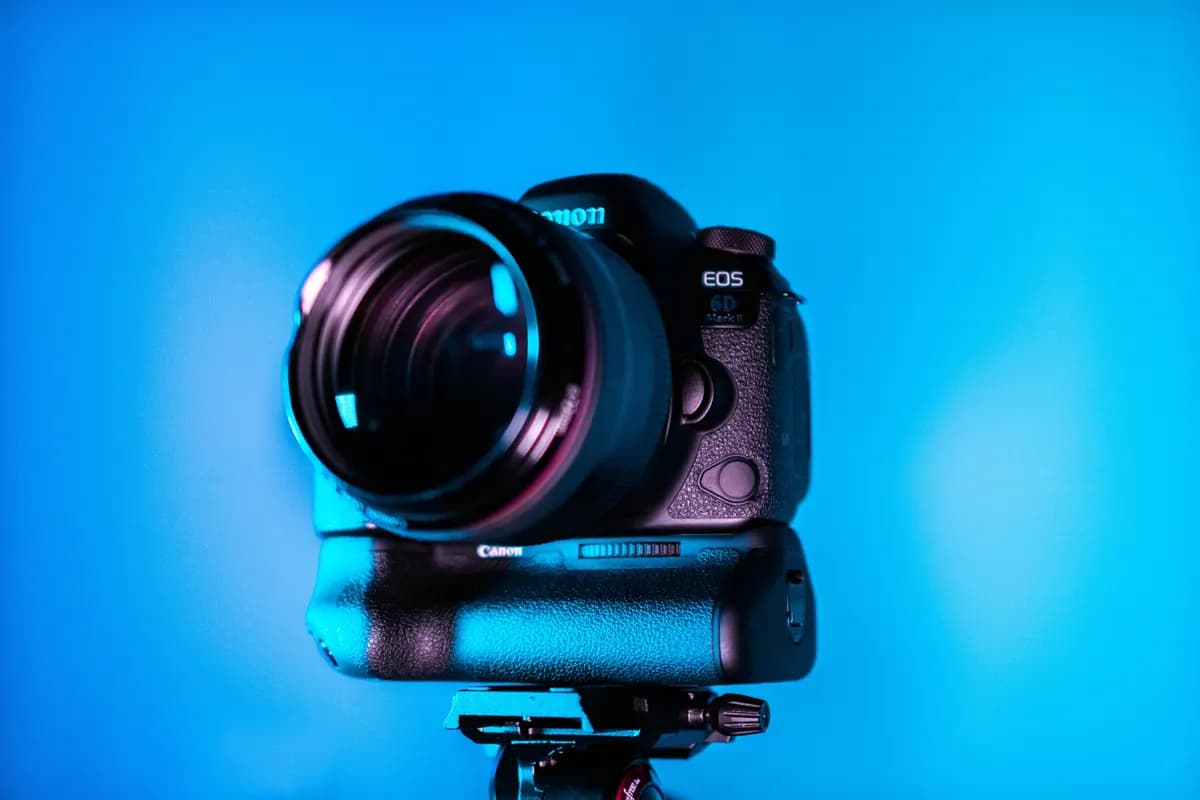
Camera. For filming educational videos at home, it is enough to have a smartphone with good video quality. Start filming on your phone to get used to being on camera. This will also let you see weaknesses in various aspects: course content, your delivery, appearance, location, and the content as a whole. However, high-quality filming with a professional camera will improve the quality, perception, and value of your course.
You do not have to buy an expensive professional camera. Almost all digital cameras shoot in high Full HD (1080p) quality with autofocus. This allows you to shoot smooth, sharp videos that capture movement in the frame. A decent digital camera can be purchased for around 200,000 tenge.
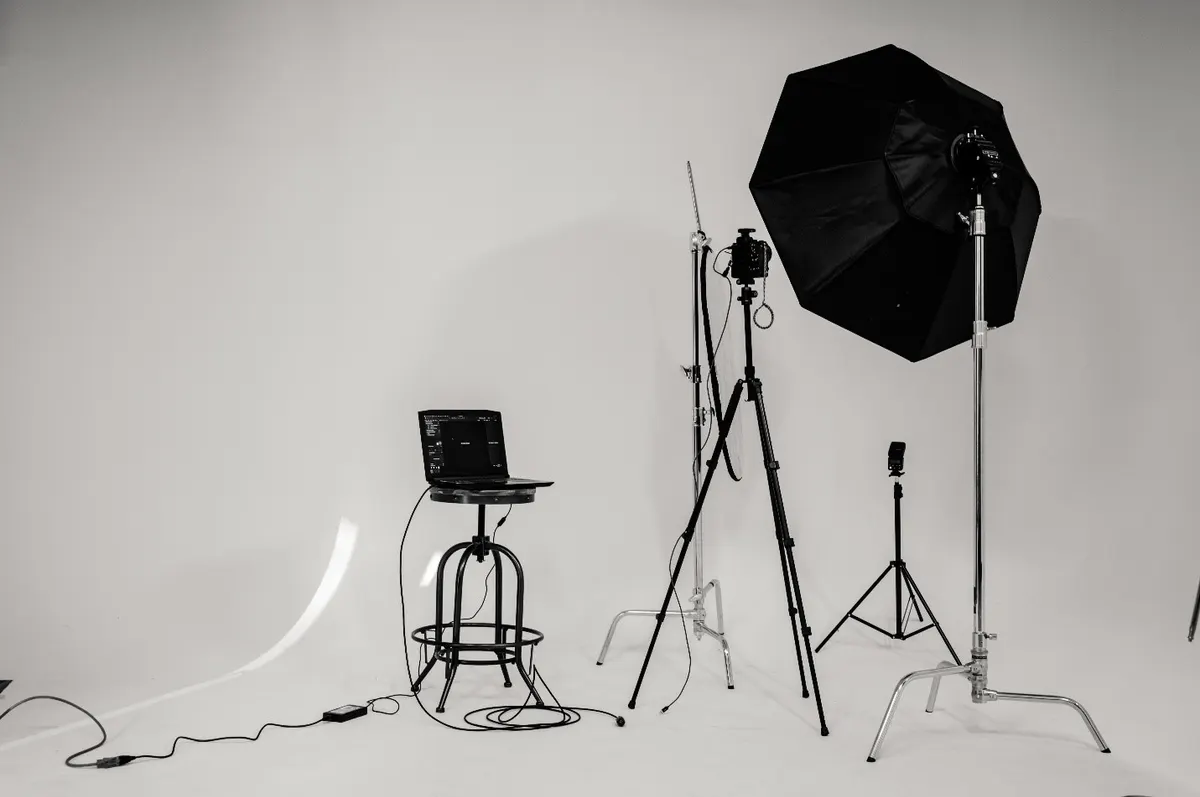
Tripod. Buy a tripod and a special mount for attaching your smartphone or camera so you can film without help from others. There are lightweight, inexpensive tripods — you do not have to choose heavy, bulky metal ones.
Lighting equipment. There is a wide selection of affordable lighting: softboxes, on-camera and ring LED lamps. They mount on a tripod or on the camera, which allows one person to handle filming independently.
A popular ring light works for both video and photo shooting. Such a lamp diffuses light, which falls more softly and smooths unevenness on facial skin. Note that inside the ring itself there is a mount for a phone. This device is easy to transport and use for purposes beyond filming a video course.
Softboxes. Used for professional shooting. Large softboxes are designed to light a full-body shot in large, dark rooms.
LED lamps. They can be mounted on the camera or on a tripod. These lamps have high power that you can adjust from the lowest setting to full brightness. It is advisable to choose ones with barn doors. With them you can control light, for example, by sending thin lines of light onto the background.
For backlight, it is enough to buy a portable lamp and install a 12–14W or 5500–6000K LED bulb in it. Such a lamp is best chosen with a clip that can be attached to a cabinet or coat rack.

Microphone. Always record video lessons with a desktop or lavalier microphone — a small microphone that clips onto clothing. If you record audio with a smartphone's or camera's built-in mic, the so-called "shotgun" mic, then outside noise from windows and neighboring rooms will be recorded, and you will not be heard clearly.
Video editing. If you use computers with the Windows operating system, it is best to start learning the basics of processing and editing video files with a free program — Windows Movie Maker. This is the simplest and most understandable video editor, in which even a beginner can find their way and get into the editing process.
If you prefer Apple products, use iMovie, which also has an intuitive tool panel.
Video, television, and film production professionals use Adobe Premiere Pro, which has a wide range of editing features. This program is available to both professionals and beginners. It is chosen for its most advanced capabilities, system reliability that will not crash at the worst moment, an intuitive interface, and many keyboard shortcuts that make work in the program easier and faster.
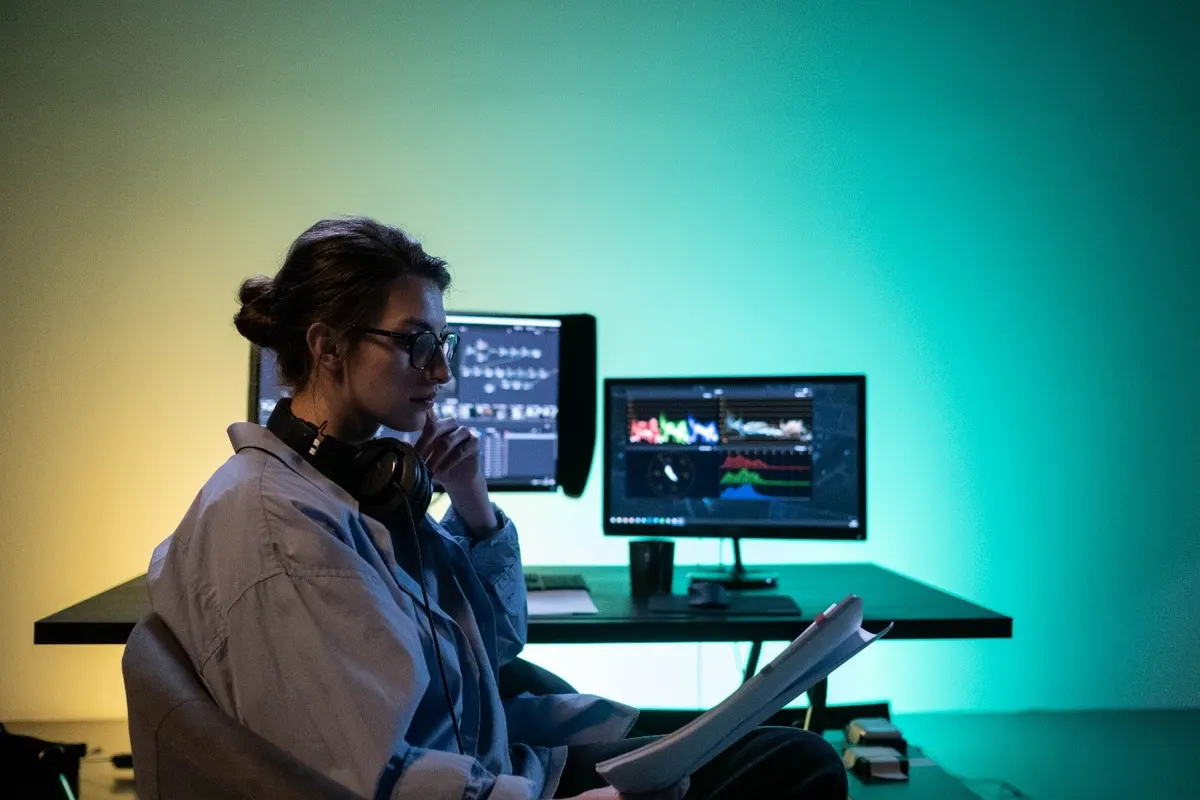
Alternatives include Final Cut Pro 10 and DaVinci Resolve, which also offer broad capabilities and are considered easier to use.
To learn the basics of video editing, there are many reviews and free guides available on the internet.
Hiring professionals to produce video lessons
Filming and editing video courses on your own is most advantageous financially. However, this video production process can take a lot of time and effort for beginners. Therefore, if you do not have enough time, do not want to handle filming and editing, or do not have funds to buy the necessary equipment, you should turn to professionals.
Such a team will help you package your video course quickly and with quality. Professional operators have the necessary filming equipment, will prepare the background, choose the best angle for shooting, and experienced video engineers will assemble and design the materials. However, not many operators and video engineers can advise on how best to present educational content without experience in producing educational content. Therefore, we recommend turning to a company that specializes in developing and creating educational online courses specifically.

Войдите, чтобы оставить комментарий.
Пока нет комментариев.